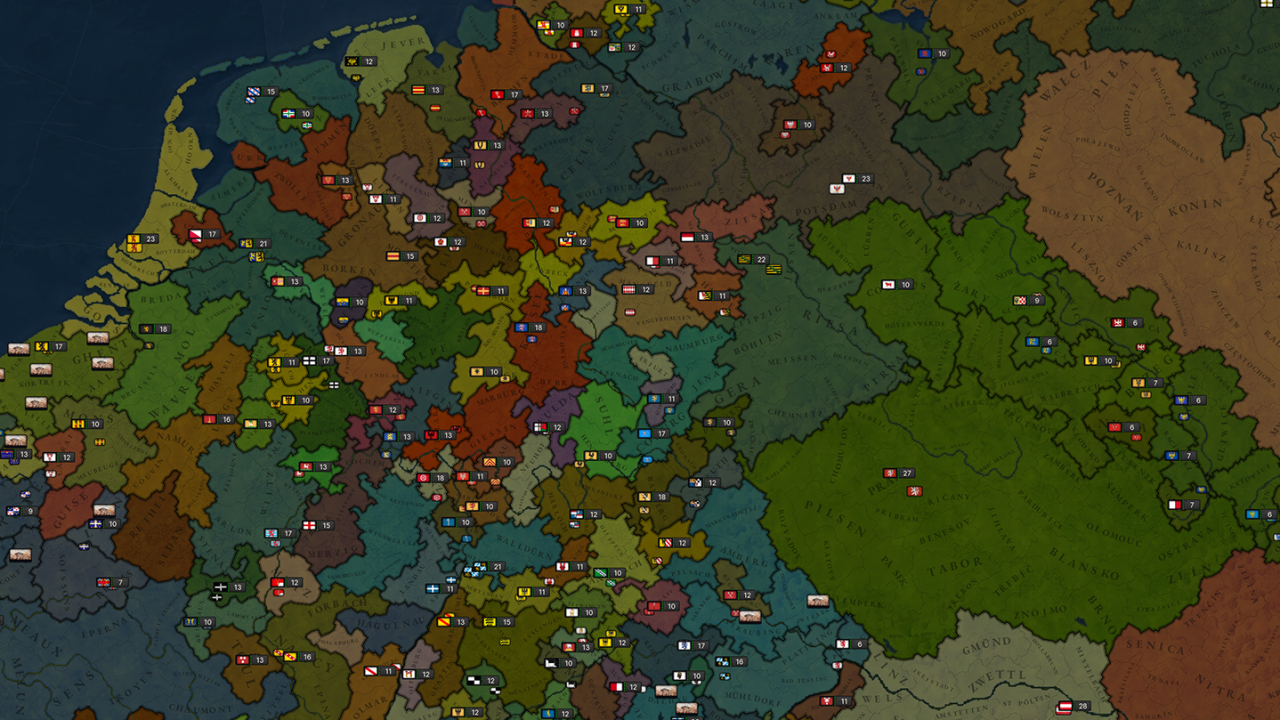
Age of History 3
The choice of units in the front and second line is vital. Front-line units need to be resilient and capable of dealing with direct combat, while second-line units should provide support, range attacks, or specialized functions. With more than 63 unique unit types available, you have a vast array of


Free Download - Game Review
The choice of units in the front and second line is vital. Front-line units need to be resilient and capable of dealing with direct combat, while second-line units should provide support, range attacks, or specialized functions. With more than 63 unique unit types available, you have a vast array of army compositions to select from, offering a diverse range of strategic options. Each day, the front-line units of both armies engage in combat with the enemy's front-line, provided they are within attack range. Simultaneously, the second-line units also participate by attacking the enemy's front-line units if they fall within their range. The combat results in casualties, the retreat of troops, and the loss of morale.Manpower represents the stock of individuals eligible for military service within a Civilization. It is a critical resource used for recruiting new troops and reinforcing existing armies, embodying the Civilization's capacity to wage war and defend itself. Manpower replenishes over time, reflecting natural population growth and recovery from previous military engagements. Since manpower replenishes over time, players must plan their military campaigns considering their current and future manpower availability. Game Screenshots Gallery Age of History 3 - Screenshot 1Age of History 3 - Screenshot 2Age of History 3 - Screenshot 3Age of History 3 - Screenshot 4
Installation Guide
- Game is pre-installed / portable, therefore you do not need to install the game.
- Just extract the rar / zip file.
- Simply launch the game from Run Me!.bat. Important NotesPlease review these important details before installation Install necessary apps from Redist or _CommonRedist to ensure game launches without any problems. Always extract game in Antivirus / Defender excluded folder - Please check our FAQs to know why it is important. Always run the game as administrator. For detailed guide, make sure to read Installation Guide.txt inside the game files.
Comments
2 comments on this release — join the discussion.