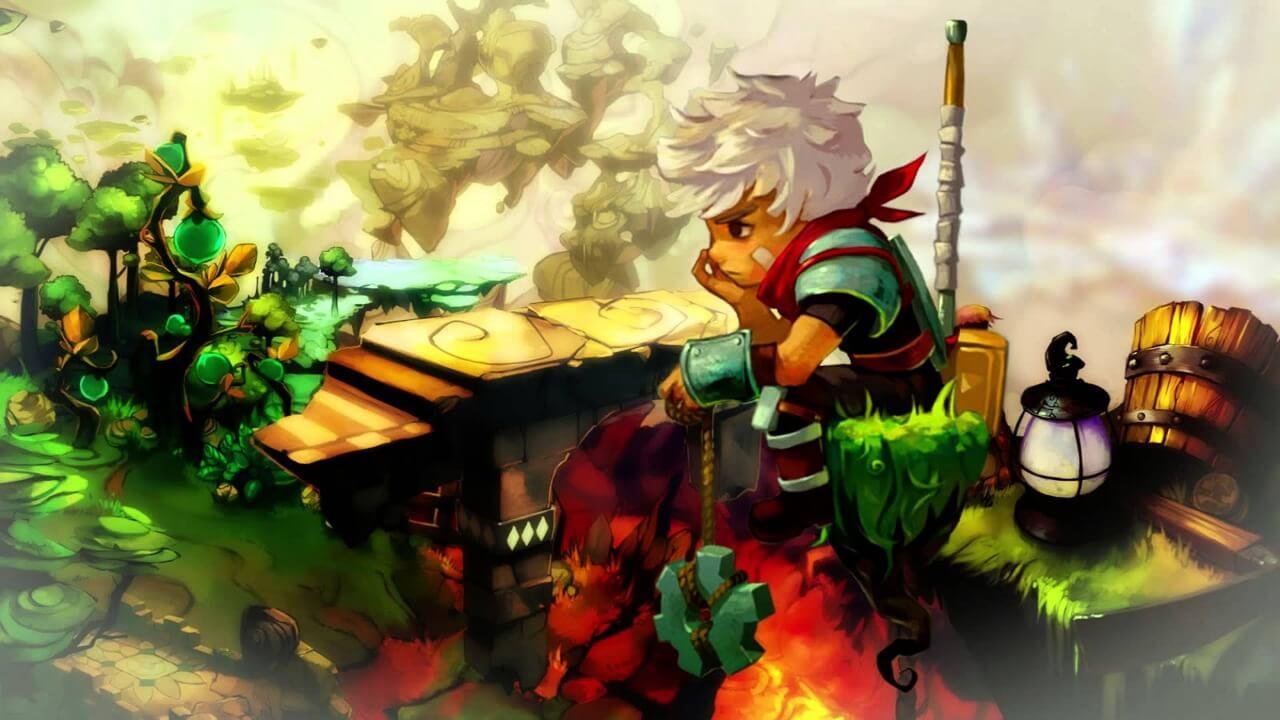
Bastion
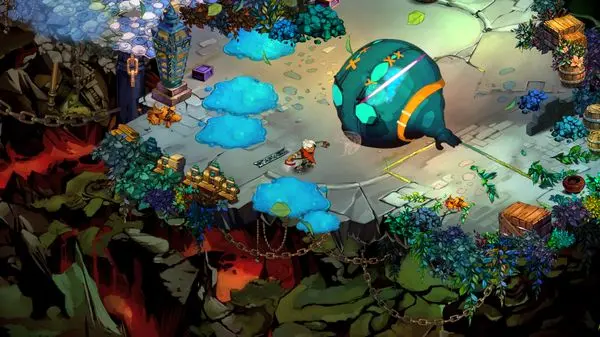
Bastion feels like a mix of fast combat, pleasing visuals and a world that constantly builds itself as you keep progressing on your journey. The weapons feel great to use and swapping between different loadouts keeps every encounter interesting. The game’s narration is easily its standout feature —
Free Download - Game Review
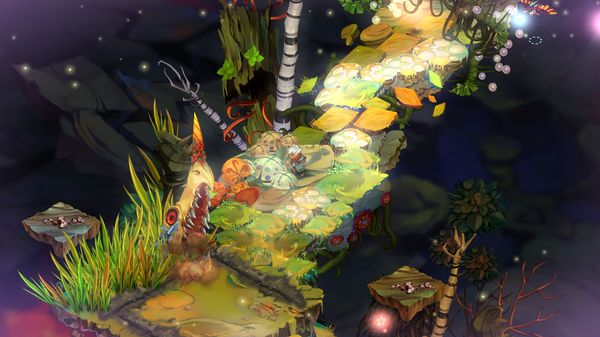
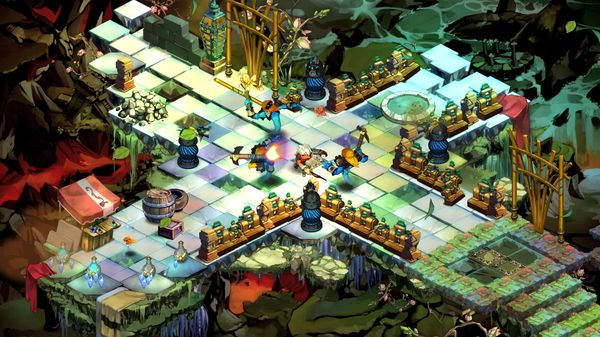
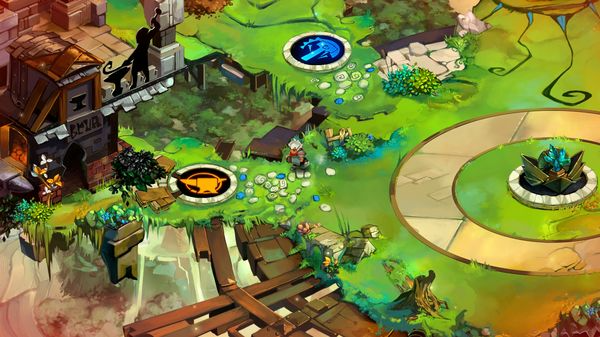
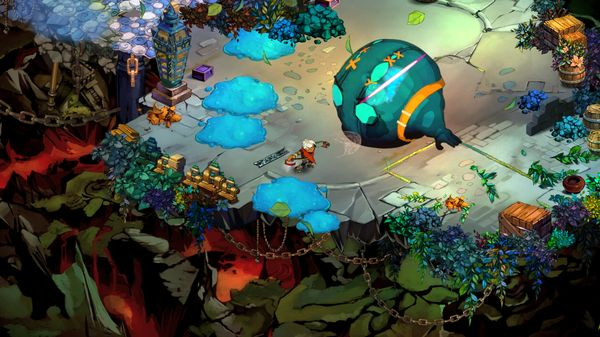
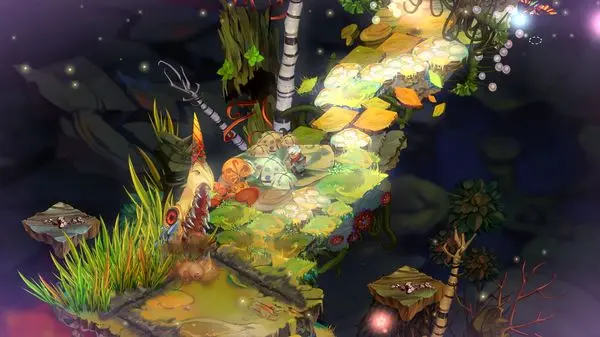
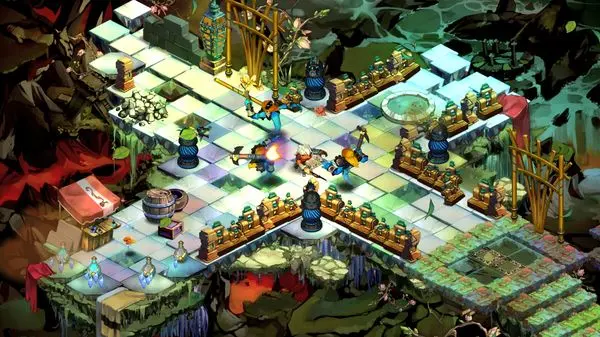
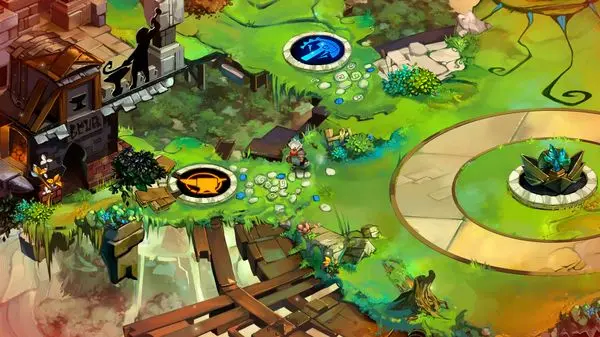
Bastion feels like a mix of fast combat, pleasing visuals and a world that constantly builds itself as you keep progressing on your journey. The weapons feel great to use and swapping between different loadouts keeps every encounter interesting. The game’s narration is easily its standout feature — the way the narrator reacts to your actions adds personality to even the simplest moments. The characters are few but memorable, each adding a bit more weight to the story of the 'Calamity'. It’s a short experience, but it keeps you glued with its amazing atmosphere, music and gameplay.Key Features:Action-packed combat rewards playing with finesseHours of reactive narration delivers a deep storyStunning hand-painted artwork in full 1080p resolutionCritically-acclaimed original music scoreControls custom-tailored to PC plus gamepad support10+ unique upgradeable weapons to be used6 powerful Bastion structures to be discovered'New Game Plus' and 'Score Attack' modes unlocked after finishing the story'No-Sweat Mode' lets players of any skill level enjoy the story Game Screenshots Gallery Bastion - Screenshot 1Bastion - Screenshot 2Bastion - Screenshot 3Bastion - Screenshot 4
Installation Guide
- Game is pre-installed / portable, therefore you do not need to install the game.
- Just extract the rar / zip file.
- Simply launch the game from Run Me!.bat inside the game folder Important NotesPlease review these important details before installation Install necessary apps from Redist or _CommonRedist to ensure game launches without any problems. Always extract game in Antivirus / Defender excluded folder - Please check our FAQs to know why it is important. Always run the game as administrator For detailed guide, make sure to read Installation Guide.txt inside the game files.
Comments
Be the first to comment — join the discussion.