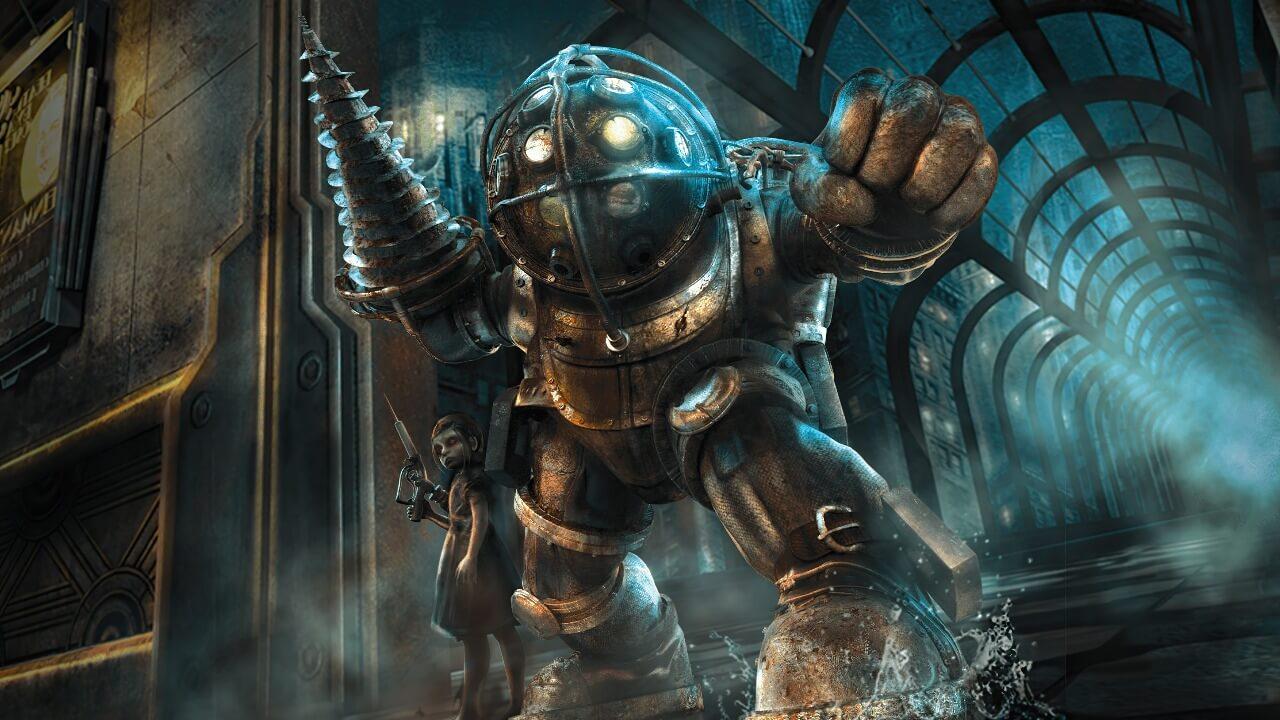
BioShock 2 Remastered
Players step into the boots of the most iconic denizen of Rapture, the Big Daddy, as they travel through the decrepit and beautiful fallen city, chasing an unseen foe in search of answers and their own survival. You receive the call: Tenenbaum desperately needs you to steal as much ADAM as possible,
Free Download - Game Review
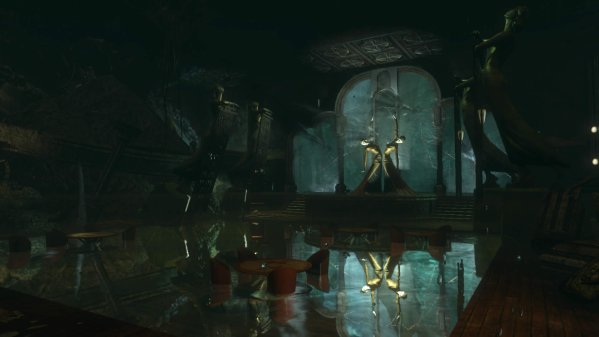
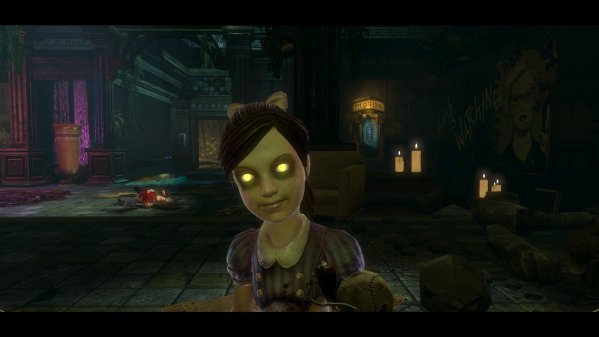
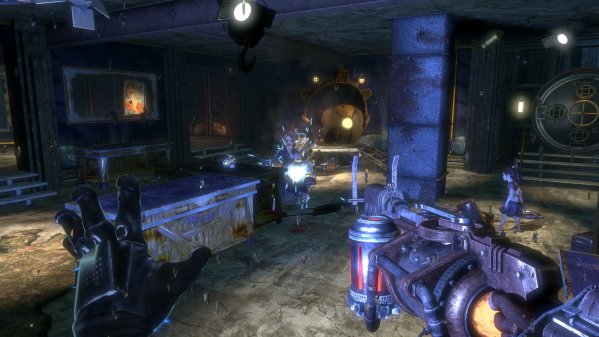
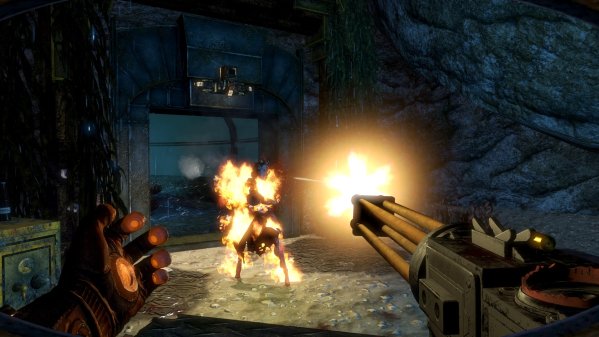
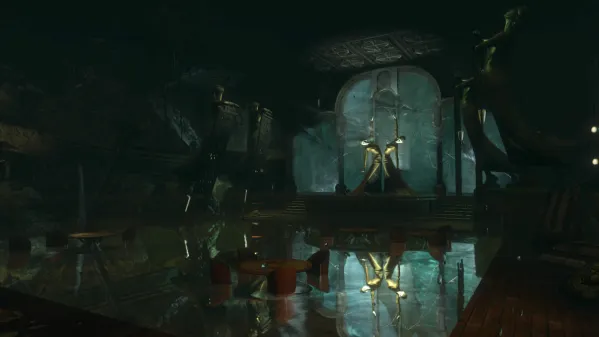
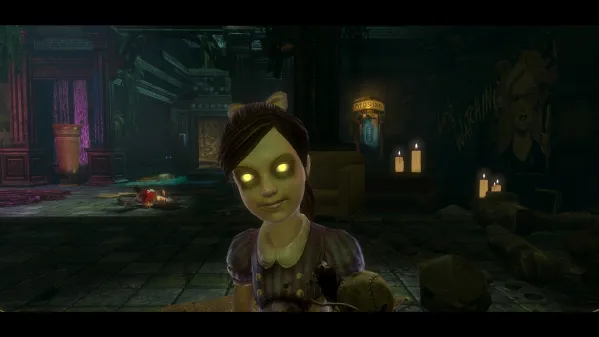
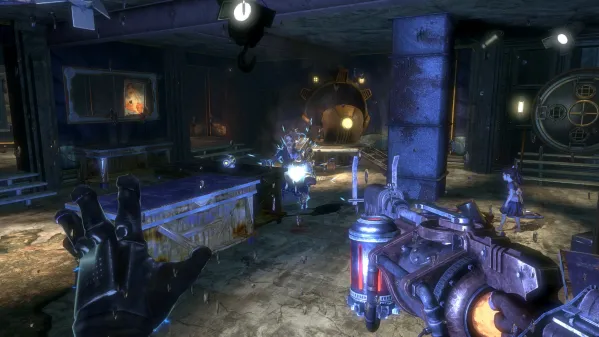
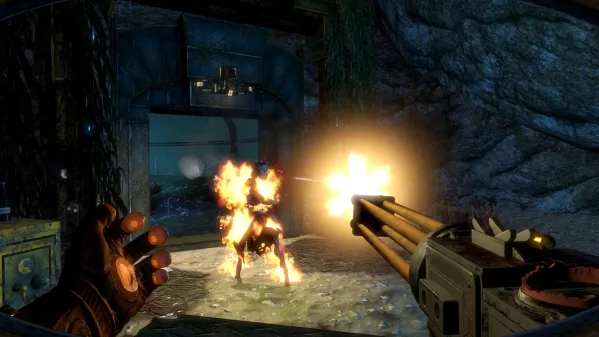
Players step into the boots of the most iconic denizen of Rapture, the Big Daddy, as they travel through the decrepit and beautiful fallen city, chasing an unseen foe in search of answers and their own survival. You receive the call: Tenenbaum desperately needs you to steal as much ADAM as possible, to help thwart Sofia Lamb's insane plan. Enter the Protector Trials: frantic combat challenges designed to push your mastery of weapons and Plasmids to the limit. The goal in each Trial is simple: get your Little Sister to an ADAM-rich corpse and keep her safe while she gathers precious ADAM. Opposition mounts as your Little Sister nears her goal -- will you survive the onslaught?Features:High Resolution Textures, Models and Interface Art4K Resolution SupportThe Protector Trials Game Screenshots Gallery BioShock 2 Remastered - Screenshot 1BioShock 2 Remastered - Screenshot 2BioShock 2 Remastered - Screenshot 3BioShock 2 Remastered - Screenshot 4
Installation Guide
- Game is pre-installed / portable, therefore you do not need to install the game.
- Just extract the rar / zip file.
- Simply launch the Run Me!.bat inside the game folder. Important NotesPlease review these important details before installation Install necessary apps from Redist or _CommonRedist to ensure game launches without any problems. Always extract game in Antivirus / Defender excluded folder - Please check our FAQs to know why it is important. Always run the game as administrator. For detailed guide, make sure to read Installation Guide.txt inside the game files.
Comments
Be the first to comment — join the discussion.