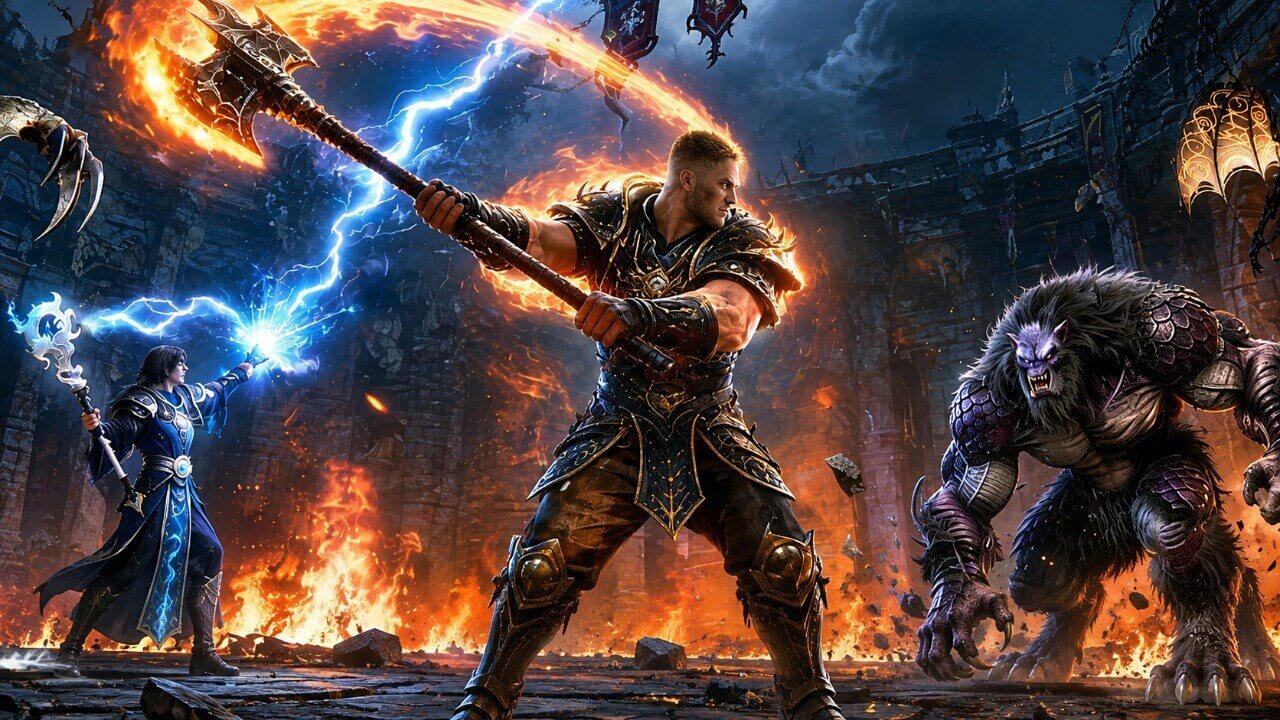
Ruins of Dawn
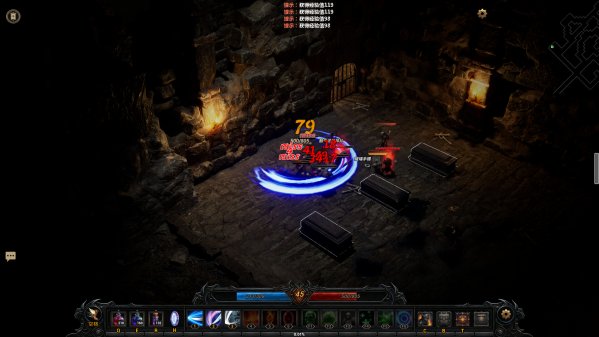
Created to relive the joy of exploring and looting with friends years ago. It features classic class/skill divisions—ranged sword auras from melee, screen-filling fire walls, mighty skeleton armies, charmed followers—and over 100 affixes for infinite, easy-to-customize gear builds. Gameplay modes in


Free Download - Game Review
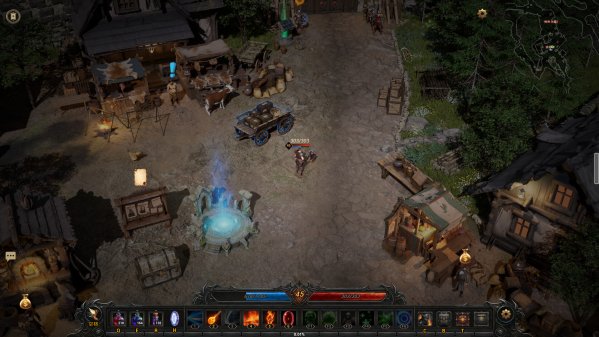
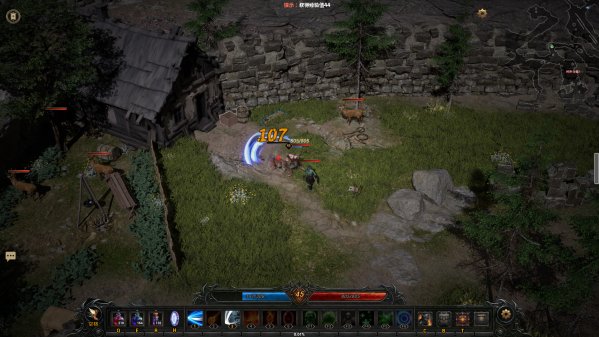
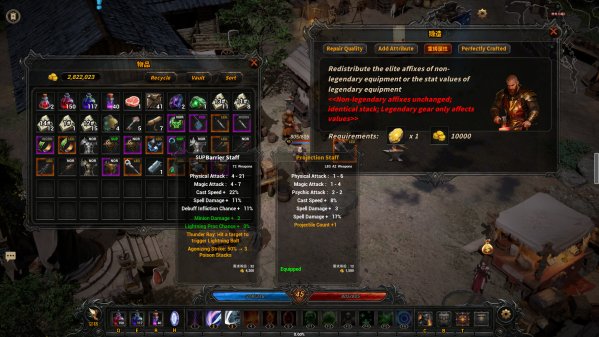
Created to relive the joy of exploring and looting with friends years ago. It features classic class/skill divisions—ranged sword auras from melee, screen-filling fire walls, mighty skeleton armies, charmed followers—and over 100 affixes for infinite, easy-to-customize gear builds. Gameplay modes including Rift Trials, Ruin Exploration, Rift Invasions and Monster-Guarded Chests keep combat from feeling monotonous. Step into this demon-infested, monster-ridden continent and embark on a challenging, surprise-filled journey.Classes: Choose from 3 classes—Warrior, Mage, Warlock—and switch anytime to use their unique skills in combat.Gear: Hundreds of base gear pieces are available in the game, spanning multiple rarity tiers with random extra affixes. Powerful legendary affixes and gear deliver massive stat boosts.Forging: Unique forging lets you add random affixes/runes, upgrade tier, and reforge gear—tailor your character’s progression.Bosses & Elites: Bosses lurk deep in maps—their defeat is the main source of god-tier gear. Elites are plentiful, dropping gear and forging materials.Skills: All skills are learned via skill books. Skill books drop randomly, with the most powerful ones only obtainable by defeating bosses.Rifts: Enemies may spawn invasion rifts on death, spawning tough bosses/elites for better rewards. Game Screenshots Gallery Ruins of Dawn - Screenshot 1Ruins of Dawn - Screenshot 2Ruins of Dawn - Screenshot 3Ruins of Dawn - Screenshot 4
Installation Guide
- Game is pre-installed / portable, therefore you do not need to install the game.
- Just extract the rar / zip file.
- Simply launch the Run Me!.bat inside the game folder. Important NotesPlease review these important details before installation Install necessary apps from Redist or _CommonRedist to ensure game launches without any problems. Always extract game in Antivirus / Defender excluded folder - Please check our FAQs to know why it is important. Always run the game as administrator. For detailed guide, make sure to read Installation Guide.txt inside the game files.
System Requirements
Requires a 64-bit processor and operating system
- OS
- Win10/Win11
- Processor
- Intel Core I7-10700K
- Memory
- 16 GB RAM
- Graphics
- NVIDIA GTX 4060
- DirectX
- Version 12
- Storage
- 8 GB available space
Comments
2 comments on this release — join the discussion.