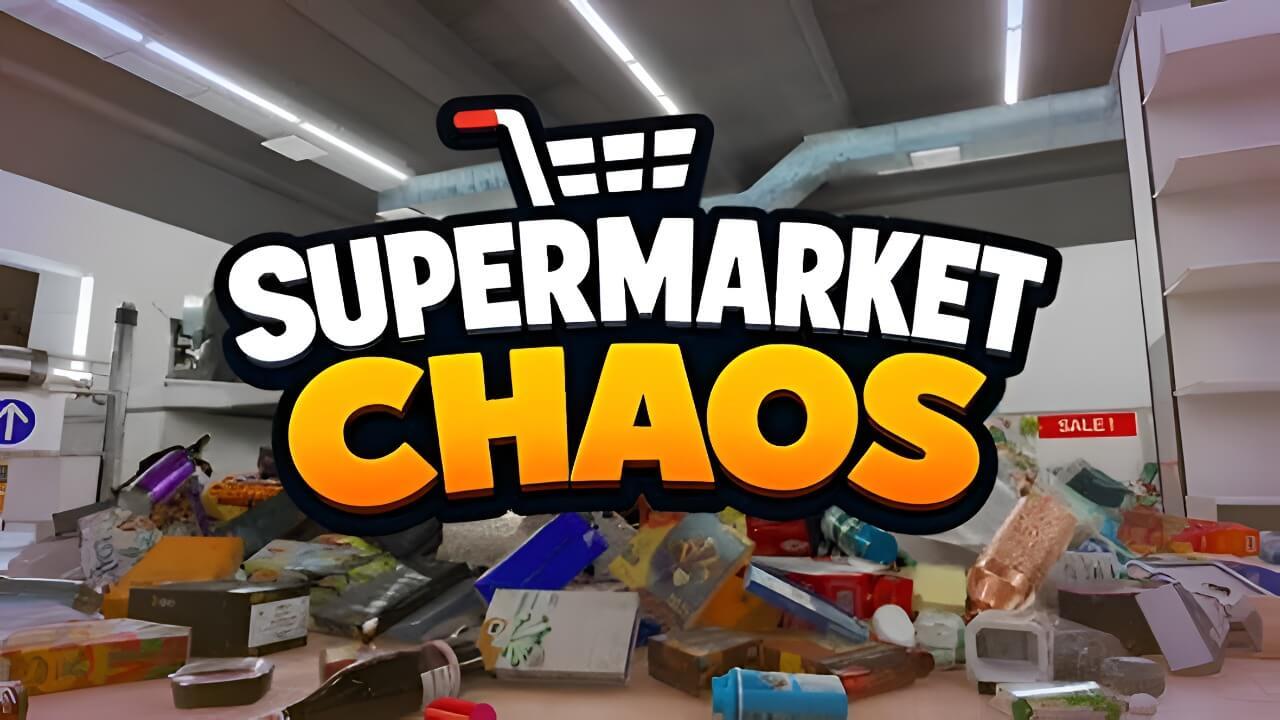
Supermarket Chaos
No need to worry. Now all you have to do is walk through the quiet store and return each scattered product to its proper place. At first, the store is a little chaotic. Empty shelves, products left on the floor, sections that still need attention. But as you put each item back where it belongs, the


Free Download - Game Review
No need to worry. Now all you have to do is walk through the quiet store and return each scattered product to its proper place. At first, the store is a little chaotic. Empty shelves, products left on the floor, sections that still need attention. But as you put each item back where it belongs, the store gradually becomes a clean, comfortable space. Pick up each product, find the right section, and match it to the correct price tag. Instead of rushing, settle into the rhythm of organizing and take your time completing the store. Empty shelves fill up with products, and mixed-up items settle into neat rows.Each completed section brings visible progress and a quiet sense of satisfaction.Key Features:A cozy organizing simulation where you sort more than 4,000 products16 sections including fruit, tea, frozen foods, books, wine, ramen, and moreGameplay focused on checking item names and locations, then placing them where they belongThe visual satisfaction of watching the store become cleaner and cleanerA variety of skill upgrades for movement, carrying, searching, and moreNo time limits and no game over. A relaxed, low-pressure atmosphere you can enjoy at your own pace Game Screenshots Gallery Supermarket Chaos - Screenshot 1Supermarket Chaos - Screenshot 2Supermarket Chaos - Screenshot 3Supermarket Chaos - Screenshot 4
Installation Guide
- Game is pre-installed / portable, therefore you do not need to install the game.
- Just extract the rar / zip file.
- Simply launch the game Run Me!.bat Important NotesPlease review these important details before installation Install necessary apps from Redist or _CommonRedist to ensure game launches without any problems. Always extract game in Antivirus / Defender excluded folder - Please check our FAQs to know why it is important. Always run the game as administrator. For detailed guide, make sure to read Installation Guide.txt inside the game files.
Comments
Be the first to comment — join the discussion.