
The Sims 4
Travel to different neighborhoods where you can meet other Sims and learn about their lives. Discover beautiful locations with distinctive environments and go on spontaneous adventures. Manage the ups and downs of Sims’ everyday lives, and see what happens when you play out scenarios from your own r





Free Download - Game Review
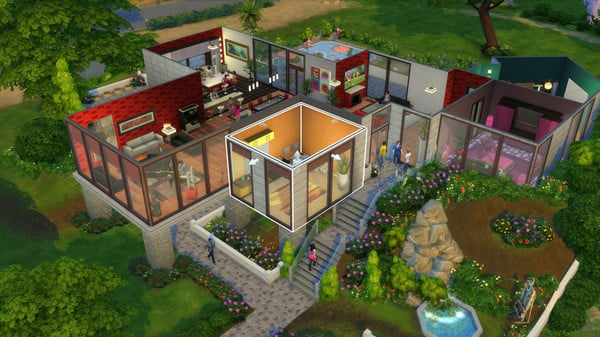
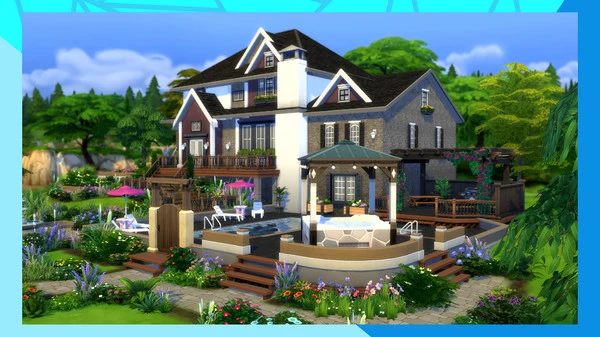
Travel to different neighborhoods where you can meet other Sims and learn about their lives. Discover beautiful locations with distinctive environments and go on spontaneous adventures. Manage the ups and downs of Sims’ everyday lives, and see what happens when you play out scenarios from your own real life. Tell your stories your way while developing relationships, pursuing careers and life aspirations, and immersing yourself in this extraordinary game, where the possibilities are endless.. Half-Life Game Screenshots Gallery The Sims 4 - Screenshot 1The Sims 4 - Screenshot 2The Sims 4 - Screenshot 3The Sims 4 - Screenshot 4
Installation Guide
- Game is pre-installed / portable, therefore you do not need to install the game.
- Just extract the rar / zip file.
- Simply launch the game from Run Me!.bat inside the game folder. Important NotesPlease review these important details before installation Install necessary apps from Redist or _CommonRedist to ensure game launches without any problems. Always extract game in Antivirus / Defender excluded folder - Please check our FAQs to know why it is important. Always run the game as administrator For detailed guide, make sure to read Installation Guide.txt inside the game files.
System Requirements
Requires a 64-bit processor and operating system
- OS
- 64 Bit Windows 10
- Processor
- Intel core i5 (4 cores), AMD Ryzen 5 or better
- Memory
- 8 GB RAM
- Graphics
- 1 GB of Video RAM, NVIDIA GTX 650, AMD Radeon HD 7750, or better
- DirectX
- Version 11
- Network
- Broadband Internet connection
- Storage
- 51 GB available space
Comments
96 comments on this release — join the discussion.